




Description
Tilt-Controlled Helicopter Arcade Game
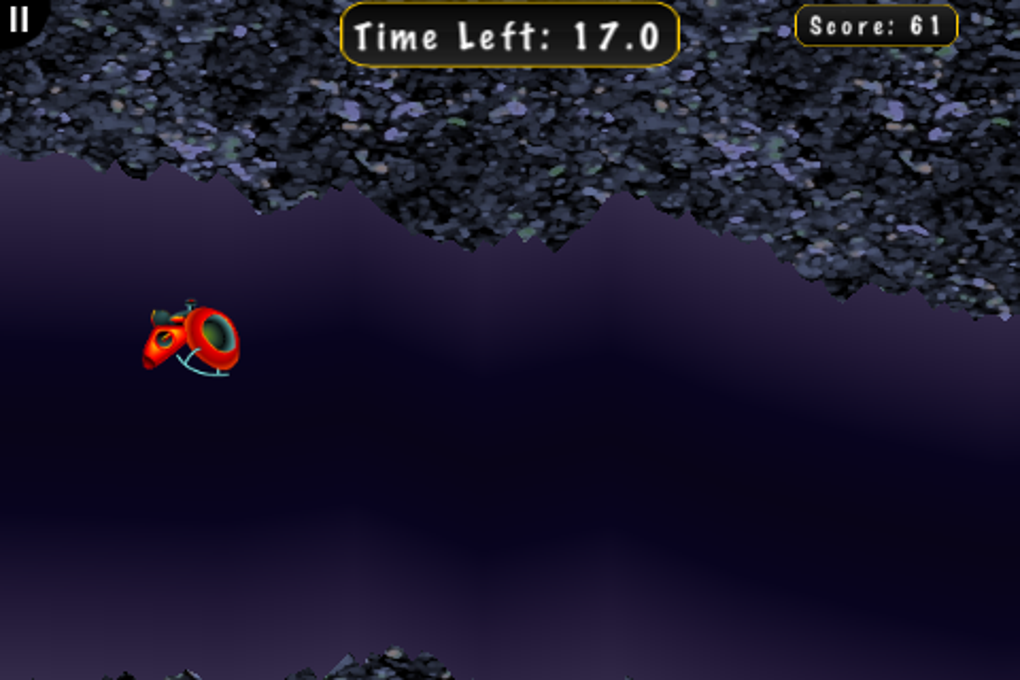
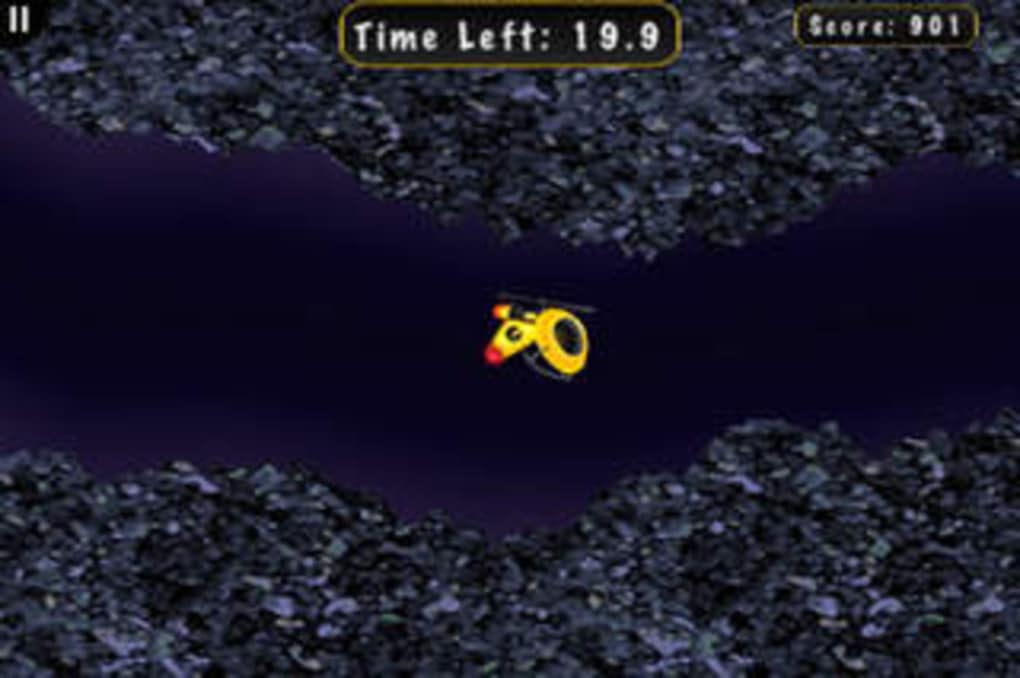
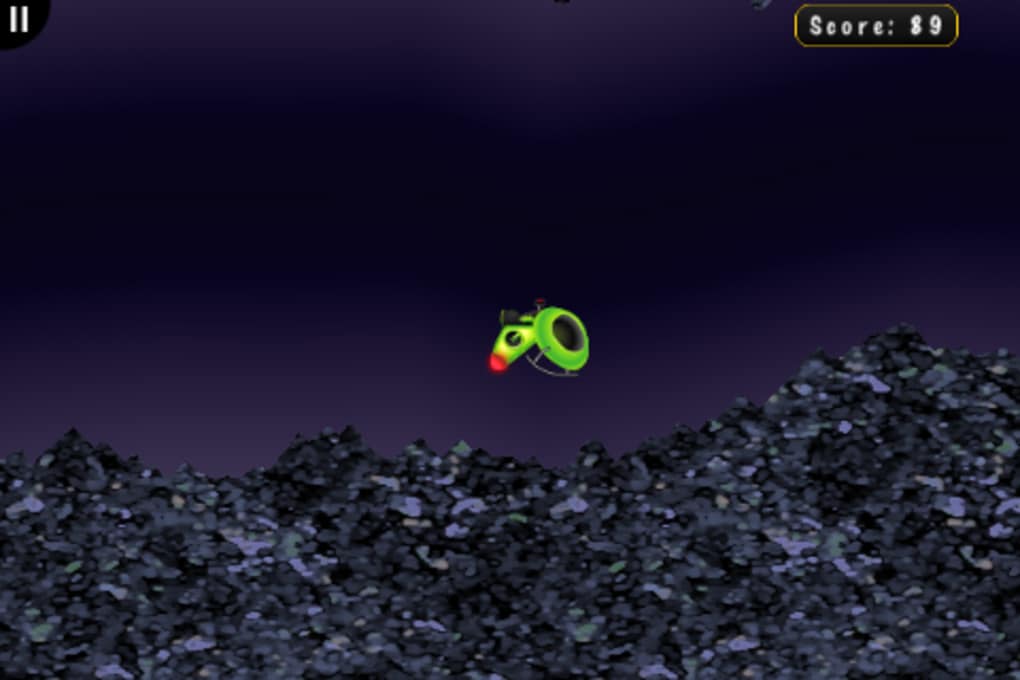
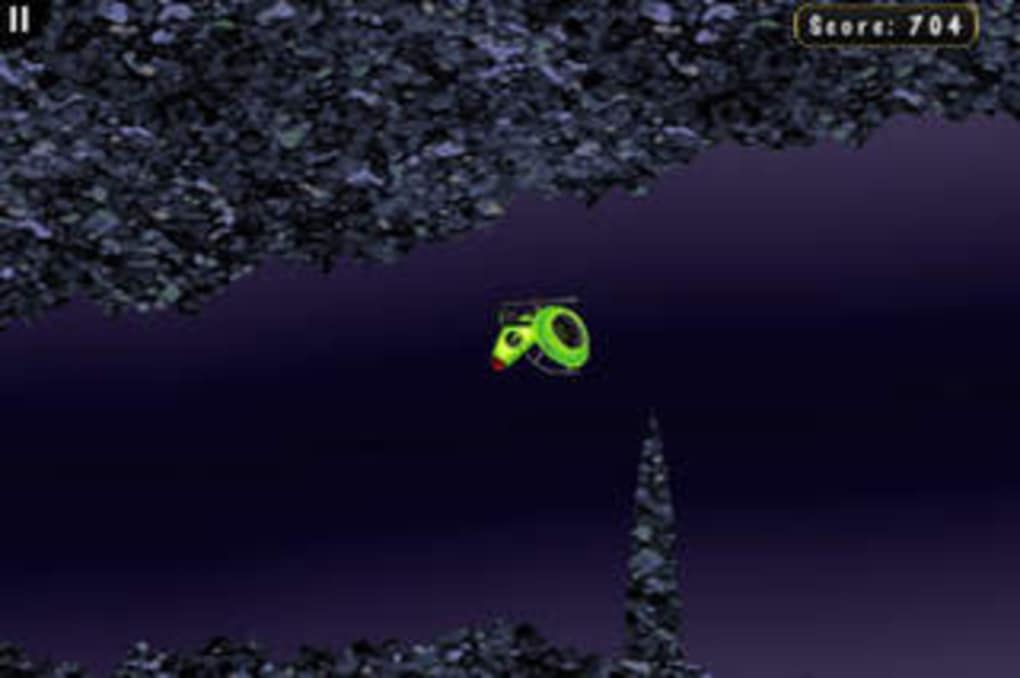
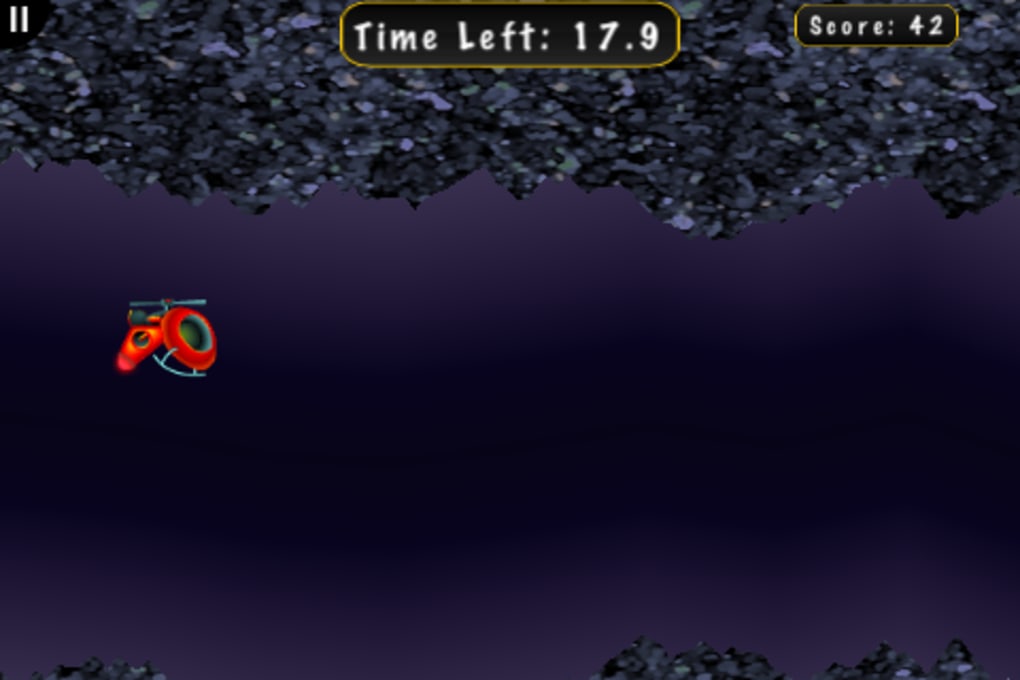
With its simple yet engaging gameplay, iCopter TNG delivers a unique arcade experience where players control a helicopter through a cave using tilt and touch inputs. Designed for casual gamers and mobile-style gameplay enthusiasts, this desktop application brings the intuitive motion controls of smartphones to PC and Mac environments. The core mechanic—regulating height with taps and navigating forward/backward via tilting—creates a tactile, responsive feel ideal for short bursts of entertainment. It’s particularly suited for users seeking a distraction-free, low-commitment game during breaks or downtime. The game’s minimalistic design and lack of sound suggest a focus on pure mechanics over immersion. While the visuals are basic and the environment generic, the challenge lies in mastering the helicopter’s behavior across three difficulty levels. The inclusion of Standard and Time Attack modes offers slight variation, though gameplay remains consistent. Despite its simplicity, iCopter TNG provides a surprisingly engaging test of hand-eye coordination and timing, making it a suitable choice for quick sessions or light stress relief.
Key Features & Capabilities
- Tilt-Based Navigation – Players control forward and backward movement by tilting their device or using keyboard input simulation, offering a motion-driven experience that mimics smartphone gameplay.
- Touch Height Control – Height regulation is achieved through tapping, allowing precise adjustments to maintain flight within the cave’s narrow passages.
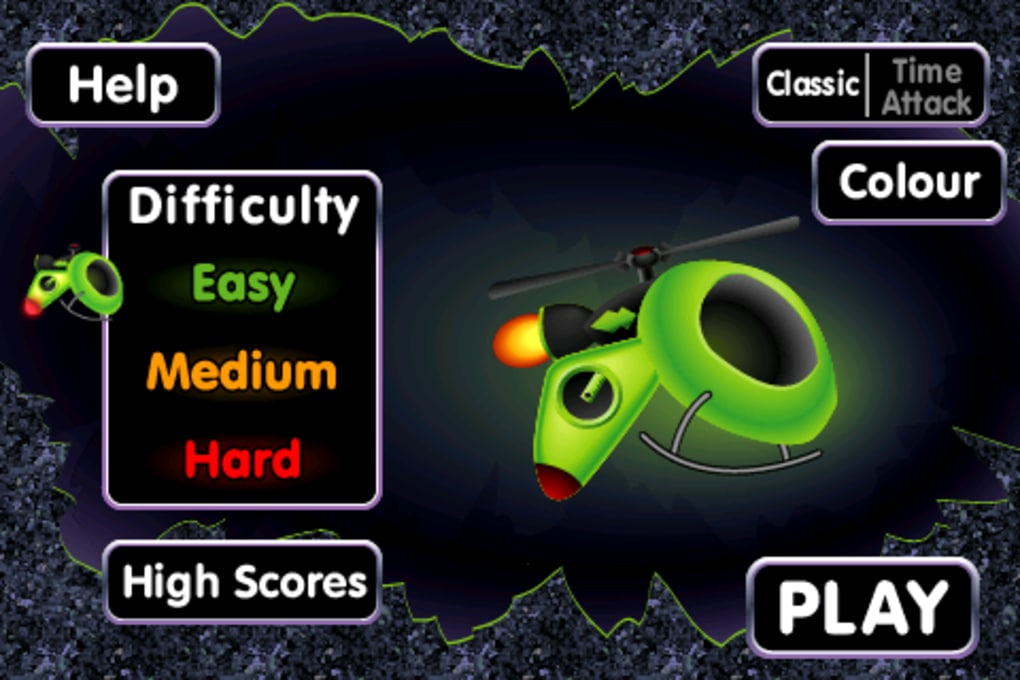
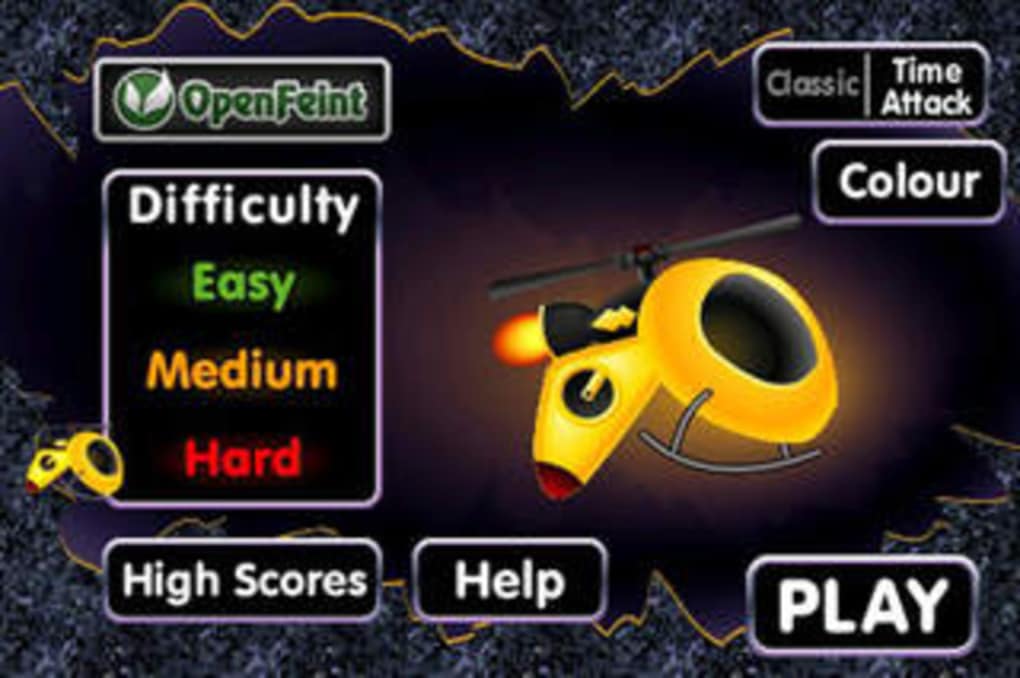
- Three Difficulty Levels – Easy mode offers self-leveling, reducing challenge, while Hard mode removes stabilization, increasing instability and requiring greater precision.
- Two Game Modes – Standard mode focuses on survival and navigation, while Time Attack mode introduces a timer-based challenge, though the core mechanics remain unchanged.
- Minimalist Design – The game emphasizes functionality over visual polish, with generic cave environments and no audio, ensuring low system impact and fast load times.
These features are ideal for users who enjoy minimalist, input-driven games that prioritize control responsiveness. The tilt and tap mechanics are especially effective for quick play sessions, such as during coffee breaks or short pauses at work. The lack of sound and basic graphics reduce distractions, allowing players to focus solely on the flight dynamics. While the game does not offer advanced features like leaderboards or multiplayer, its simplicity ensures accessibility and immediate playability. The consistent mechanics across modes make it easy to learn but difficult to master, particularly at higher difficulty levels. This design suits both casual players seeking light fun and those who appreciate games that test fine motor control.
User Interface, Workflow & Performance
The user interface of iCopter TNG is intentionally minimal, focusing on a single screen with no menus, settings, or loading screens. The game launches directly into gameplay, streamlining the user experience. Navigation is limited to the tilt and touch controls, with no visible HUD elements beyond the helicopter and cave walls. This simplicity reduces cognitive load and allows for immediate engagement. The workflow is linear: start the game, select mode and difficulty, then begin flying. There are no interruptions, save points, or pause functions, reinforcing the game’s focus on continuous play. Performance is consistent with the application’s size and design—lightweight and responsive. The developer did not specify resource usage details, but the 25 MB file size suggests low system demands. Stability appears reliable, as no crash reports or error patterns were noted in available data. The absence of sound and basic graphics further contribute to efficient performance, making it suitable for older or lower-end systems. Overall, the experience is smooth and focused, though the lack of feedback mechanisms may challenge new users.
Compatibility & System Requirements
iCopter TNG is available for both Windows and Mac operating systems, ensuring broad accessibility across desktop platforms. The software version is listed as 1.0, indicating a stable initial release. Installation requires approximately 25 MB of disk space, a modest footprint that allows for easy deployment on most devices. The developer did not provide additional system requirements, such as CPU, RAM, or graphics specifications. Compatibility information is limited to the supported platforms and version. No mention was made of touch-enabled devices or accelerometer support, though the game’s tilt control functionality implies the need for such hardware. The developer did not specify whether the game supports external controllers or keyboard emulation. Platform compatibility is confirmed for desktop environments, but no details were provided regarding integration with mobile devices or cloud sync. Users should expect a standard desktop experience, with no additional dependencies or runtime requirements.
Pros and Cons
Pros
- Lightweight at just 25 MB, ideal for quick installation and low-storage devices.
- Simple, intuitive controls using tilt and touch for immediate playability.
- Free to download and use, with no in-app purchases or ads.
- Minimalist design ensures smooth performance across a wide range of systems.
- Perfect for short, focused gaming sessions during breaks or downtime.
Cons
- Limited visual and audio design—no sound and generic graphics may reduce immersion.
- Only two game modes with minimal gameplay variation.
- High difficulty level in Hard mode may frustrate casual players.
- No settings, pause function, or feedback mechanisms for player guidance.
- Missing detailed system requirements may affect user expectations on older hardware.
FAQ Section
Is iCopter TNG available for Windows and Mac?
Yes, the software is compatible with both Windows and Mac operating systems.
Does iCopter TNG require an internet connection?
The game does not require an internet connection to run. It operates entirely offline.
Can I play iCopter TNG without a touch-enabled device?
Yes, the game supports keyboard input simulation for tilt controls, allowing play on non-touch systems.
Is the software safe to download and install?
Yes, the software is free and available from official sources. No malware or intrusive behavior was reported.
How often are updates released for iCopter TNG?
Updates are released as needed. The current version is 1.0, and no release schedule was provided.
Final Thoughts + CTA
iCopter TNG stands out as a refreshingly simple arcade game that delivers a focused, tactile experience through its tilt and touch mechanics. While it lacks visual flair and audio, its core gameplay is tight and engaging, particularly for users who appreciate minimalist challenges. The free availability, small size, and cross-platform support make it accessible to a wide audience. It’s not designed for long play sessions or deep immersion, but excels as a quick, stress-relieving distraction. The difficulty curve, especially in Hard mode, offers a real test of control and timing, rewarding persistence. For those seeking a no-frills, motion-based game that runs smoothly on any desktop, iCopter TNG is a solid choice. Its strengths lie in simplicity, accessibility, and immediate engagement. Download iCopter TNG now and experience the thrill of flying through a cave with just a tap and a tilt.
Guides & Tutorials for iCopter TNG
How to install iCopter TNG
- Click the Preview / Download button above.
- Once redirected, accept the terms and click Install.
- Wait for the iCopter TNG download to finish on your device.
How to use iCopter TNG
This software is primarily used for its core features described above. Open the app after installation to explore its capabilities.
User Reviews for iCopter TNG 0
No reviews found





